Every Problem I Hit Now Has a Technical Solution
What vibe coding means when you run operations, not engineering. And why that distinction stopped mattering.
End of 2022.
My team was spending 30 to 40 minutes every day pulling leads data and activity data from dashboards into one place. Different filters, different views, copy-pasting across tabs. Then that combined sheet went to the sales team, who uploaded it to the CRM.
Every. Single. Day.
Nobody liked it. Nobody questioned it. It was just the job.
The first thing that changed
ChatGPT launched. I started using it for content work — drafts, rewrites, captions. The obvious stuff.
Then one afternoon I described the data problem to it. Not asking for a solution, just thinking out loud.
It gave me a script.
I didn’t understand the script. I didn’t need to. I copied it, ran it, and it worked. Thirty to forty minutes became one click and twenty seconds.
I sat with that for a while.
What I actually learned
It wasn’t that AI was magic. It was that I’d been wrong about what required a developer.
I’d always sorted problems into two buckets: things I could solve myself, and things that needed engineering. The second bucket was basically everything technical. Scripts, bots, dashboards, any kind of automation. That whole bucket sat in a backlog. Sometimes it got prioritised. Usually it didn’t.
What I learned that afternoon: the bucket was wrong. I’d been filtering out entire categories of solutions before I’d even looked for them.
The thing that comes up most
Dashboards.
LSQ, Metabase, whatever the company’s running. They show you the data they want to show you. You want something different — a different filter, a different cut, day-wise instead of month-wise — and there’s no export. No API. Just a page that expects you to do the rest manually.
I’ve lost count of how many hours went into this kind of work. Not just me. Everyone in operations has a version of this problem. A dashboard that almost gives you what you need, and a gap between what it shows and what you actually want, that you fill with effort every single day.
The fix isn’t asking the data team for a new report. The fix is building exactly what you need in an afternoon.
What came next
I started describing problems instead of accepting them.
A Slack bot that pulled stats and posted them to the channel every morning. A script that checked a supplier page and sent me a message when the price changed. Small things, then less small things.
Some broke. Some needed three rounds of back and forth to get right. None of that mattered much. The cost of trying had dropped to almost nothing.
The two tools
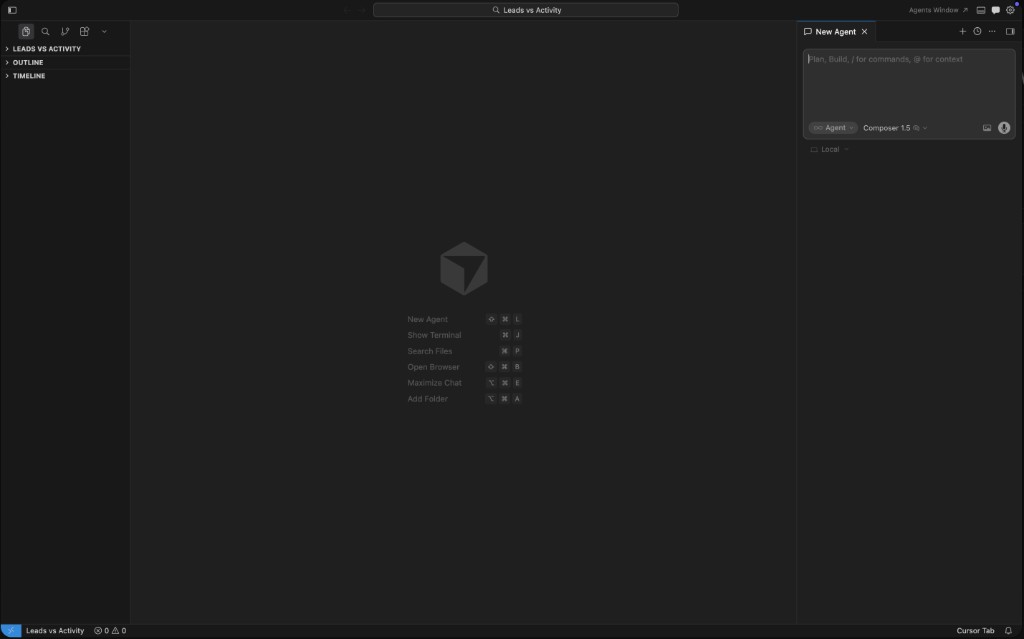
Cursor and Claude Code. I use both, though the balance has shifted.
Cursor keeps everything visible. Good when you want to stay close to what’s being built.
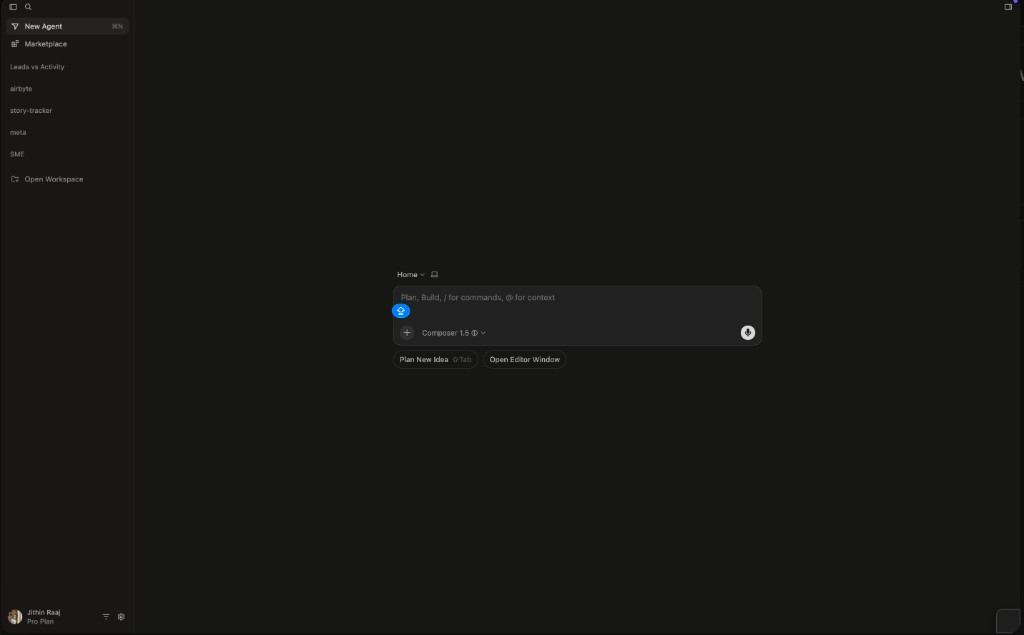
Claude Code is just a terminal. Faster. Less to look at.
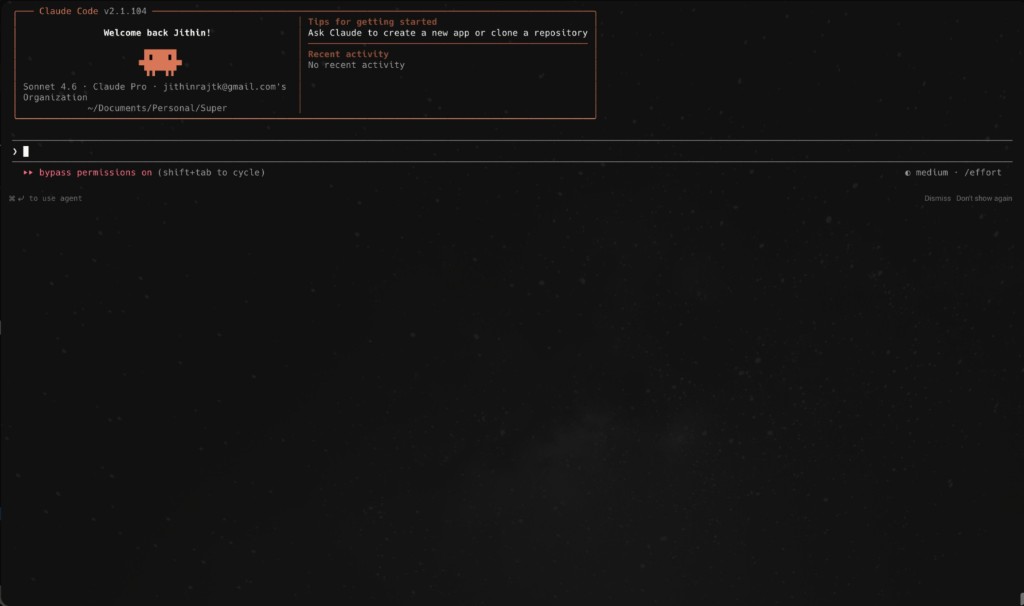
I used to use Cursor more. Now I’m mostly on Claude Code. Once you stop caring about the code itself, the terminal makes more sense.
The three things I’ve shipped
StoryDash — a dashboard that monitors story activity across 25+ Instagram pages, flags spacing violations, and sends hourly email reports to the team. I was spending 30 minutes every morning manually checking pages. Now I don’t open Instagram for this at all.
The daily OKR lead report — an email that lands before the first meeting, with every lead category ranked by urgency and projected month-end finish. The meeting went from 10 minutes of running numbers to actually making decisions.
Chrome extensions that pull data from dashboards with no export and no API. One click, data in clipboard. No Python workaround, no session tokens to maintain.
None of these went through an engineering backlog. None needed a ticket. I described what I needed and iterated until it worked.
What vibe coding means to me
Andrej Karpathy coined the term. Developers use it to describe writing code mostly with AI, barely touching it themselves.
That’s not quite what it means for me.
For me it’s the thing that happened when I stopped sorting problems into “I can solve this” and “this needs a developer.” It’s the realisation that the gap between seeing a problem and having something that solves it is now small enough that it’s worth trying every single time.
I’m not a developer. I run social media operations for a team spread across five languages. I know what a problem costs in hours and what it costs to just live with it.
What changed is I stopped living with things.
Every manual task I see now, I think: how long would it take to build something that just does this? The answer is usually a few hours. The break-even is usually a few days.
That’s the whole thing.
These aren’t just ideas. StoryDash is running in production, the OKR report lands every morning, and the Chrome extensions are in the browser right now.
More on this: Build Chrome Extensions Without Coding · Automate a Daily Lead Performance Report · Monitor Instagram Stories Across 25+ Pages
Common questions
What is vibe coding? Describing what you want to an AI tool and iterating on what it builds, without writing code yourself. The term came from Andrej Karpathy. The actual skill isn’t coding. It’s knowing what you want and being specific about it.
Can non-developers actually use vibe coding? That’s mostly what I am. I manage operations, not engineering. Vibe coding isn’t about writing less code. It’s about dropping the assumption that you needed to write it in the first place. Describe the problem clearly. Iterate on what gets built. Ship it.
What tools do you use for vibe coding? Claude Code and Cursor. Claude Code is a terminal — describe the problem, get something built fast. Cursor is an editor with an agent mode — better when you want to see the files and make your own changes. I use Claude Code more now. Once you stop needing to read the code, the terminal is faster.
How do you start with vibe coding if you have no technical background? Pick one thing you do manually every single day. Something boring and repetitive. Describe it to Claude Code or Cursor — the data you’re working with, what you do to it, what you want at the end. See what gets built. Fix what’s wrong. That first working thing changes how you see every problem after it.
What’s the difference between vibe coding and no-code tools? No-code tools give you templates for common problems. Vibe coding builds exactly what you need for your specific problem, even if nothing like it exists. The ceiling is completely different. If you can describe it, you can build it.
What kind of problems is vibe coding actually good for? Anything repetitive where the data exists but getting to it is manual. Dashboards with no export. Reports someone has to compile every day. Forms with the same fields filled the same way. If someone on your team is doing the same thing more than a few times a week, it’s a candidate.